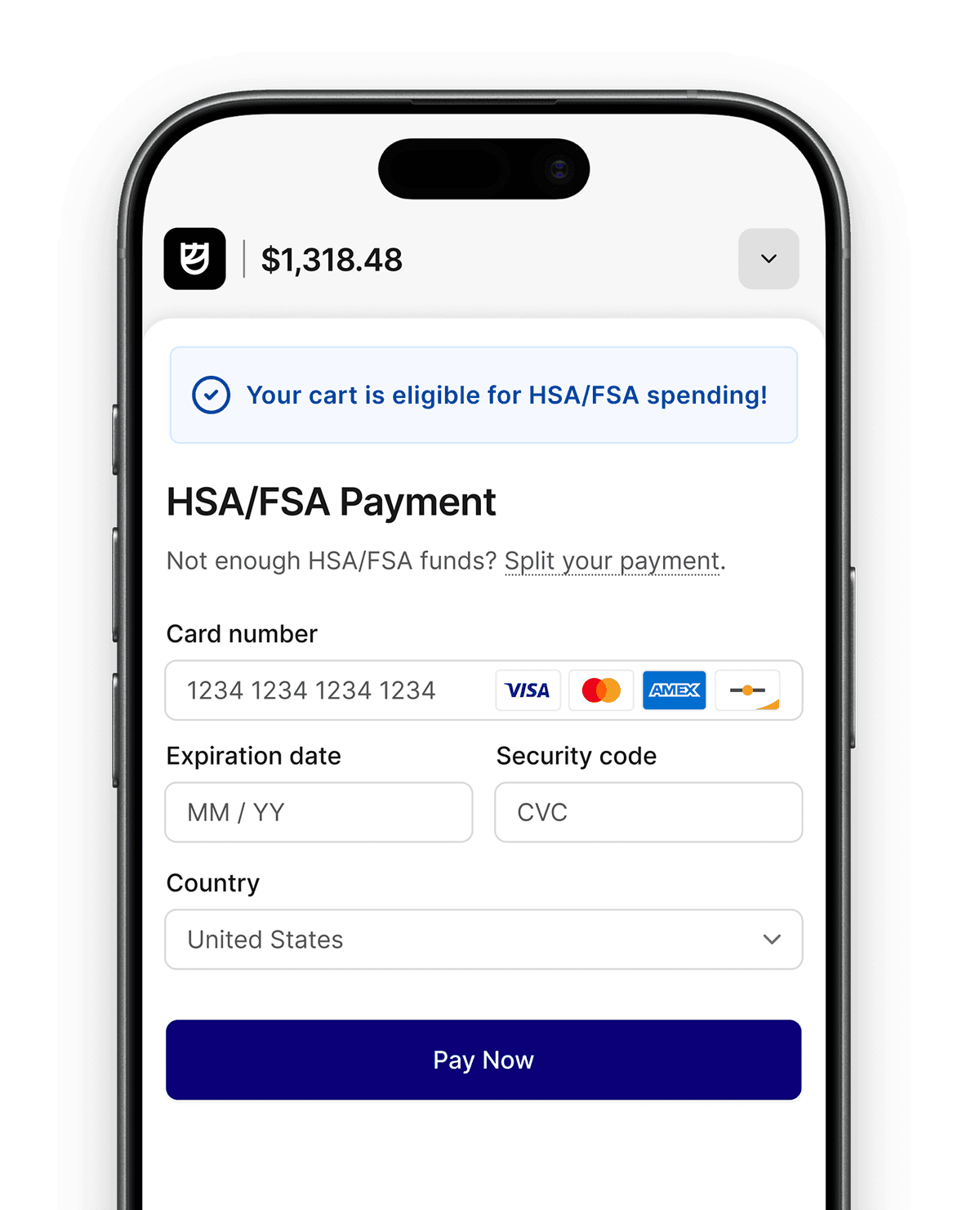
The Flex Shopify Marketing App helps merchants promote HSA/FSA across their storefront with product eligibility synced from Flex, dynamic product badges, and pre-built marketing blocks. Together, these features help customers discover eligible products, build trust, reduce confusion, and make it easier to complete purchases with HSA/FSA.
Merchants that actively market HSA/FSA throughout the shopping journey make it easier for customers to understand their benefits and use pre-tax dollars at checkout. But building that experience hasn’t always been easy. Product eligibility changes over time, marketing content needs to stay accurate, and manually managing large product catalogs doesn’t scale.
That’s why we rebuilt the Flex Shopify Marketing App.
The latest update syncs product eligibility directly into Shopify and introduces dynamic product badges, automatic collections, and a library of pre-built marketing blocks. Whether you’re merchandising eligible products on your PDPs or launching a dedicated HSA/FSA landing page, it’s now easier than ever to improve discoverability, educate customers, increase conversion, and grow HSA/FSA sales.
What's new in the Flex Shopify app?
The updated Shopify Marketing App introduces three improvements:
- Product eligibility sync from Flex to your Shopify admin
- Dynamic product badges that always show the correct HSA/FSA pop-up messaging
- Pre-built marketing blocks for creating an HSA/FSA landing page without custom development
Together, these updates make it much easier to market HSA/FSA eligibility across your storefront while cutting manual maintenance.
How does the app sync HSA/FSA product eligibility?
Every product Flex classifies now syncs directly into your Shopify admin as a read-only eligibility field.
Instead of manually tracking which products qualify, Shopify always has the latest eligibility information from Flex. This data powers the rest of the marketing experience and stays current automatically as your catalog changes.

Create an HSA/FSA collection that updates itself
Once eligibility is synced into Shopify, you can create a Smart Collection that automatically includes every eligible product.
As new products become eligible, they're added automatically. If eligibility changes, your collection updates with it. That means you can feature HSA/FSA products throughout your storefront without manually curating collections or updating product lists.

One product template for your entire catalog
One of the biggest improvements in this release is the redesigned Flex Product Badge.
Previously, merchants needed different product templates, or manual configuration, to display the correct badge for different eligibility types. Now you add the Flex badge once to your product template.
The app reads Flex’s eligibility classification for each product and displays the correct pop-up message: IIAS (Always Eligible), LMN (Dual Purpose), meaning eligible with a Letter of Medical Necessity, or Not Eligible, in which case the badge remains hidden. One product template works across your entire catalog.

Build an HSA/FSA landing page in minutes
The updated app also includes a library of Shopify theme blocks designed for HSA/FSA education.
You can build an entire landing page from pre-built components, including:
- Hero sections
- Announcement banners
- Checkout walkthroughs
- Frequently asked questions
- Subscription reimbursement information
- and more
Combine these blocks with your Smart Collection to create an HSA/FSA storefront that educates customers and showcases eligible products.

Why HSA/FSA education improves conversion and AOV
Many customers don't realize they can use their HSA or FSA until they're already shopping.
Giving shoppers clear eligibility messaging throughout the buying journey builds confidence, reduces confusion, and makes it easier for them to complete a purchase using pre-tax dollars. Instead of explaining HSA/FSA eligibility one product at a time, merchants can create a consistent experience across their storefront in a few clicks.
How to get started
Existing merchants will need to reinstall the Flex Marketing App to receive these updates. Shopify requires merchants to approve the app's new permissions before eligibility data can sync into Shopify.
Once reinstalled, you'll be able to:
- Sync product eligibility
- Display dynamic product badges
- Build Smart Collections of eligible products
- Launch an HSA/FSA landing page using pre-built marketing blocks
If you need help getting started, reach out to your Flex Account Manager or contact support@withflex.com.
Additional resources
Explore the full setup guide or watch a walkthrough of the app in action: